
How to Complete KYC Verification
To complete your personal account verification more efficiently, please check if your APP is the latest version before starting.
How to Complete Basic Verification?
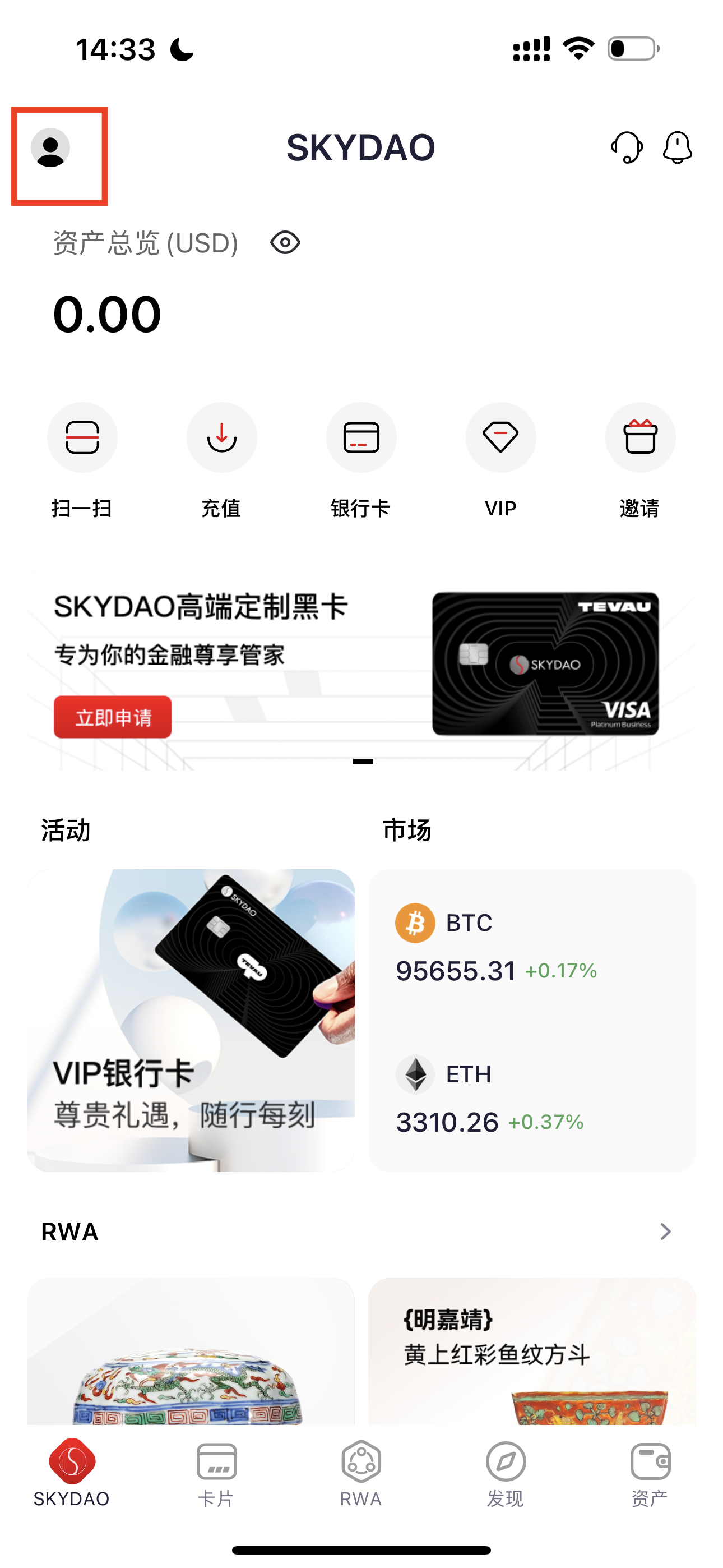
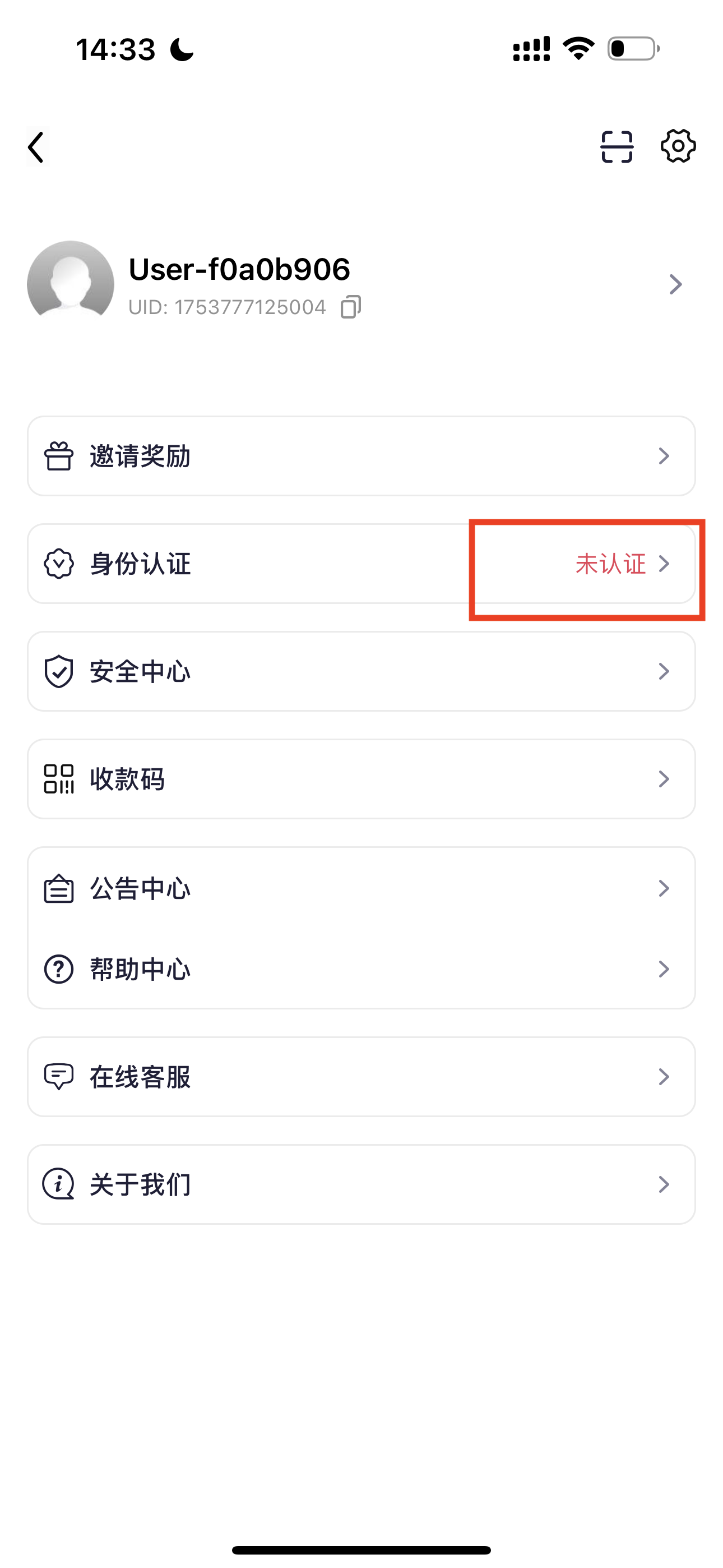
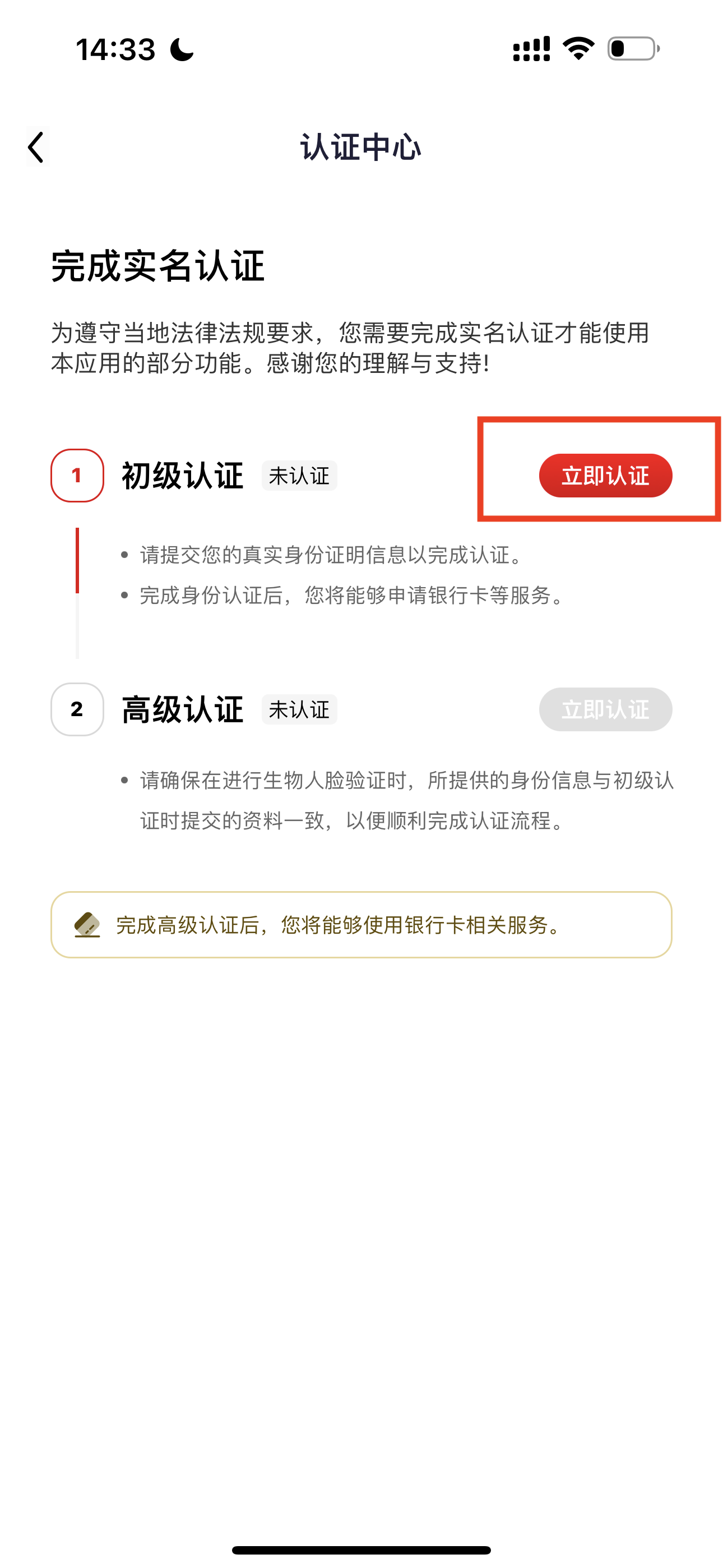
Open SKYDAO APP home page, tap the profile icon in the top left corner - 【Identity Verification】, tap 【Verify Now】 to enter the verification page.
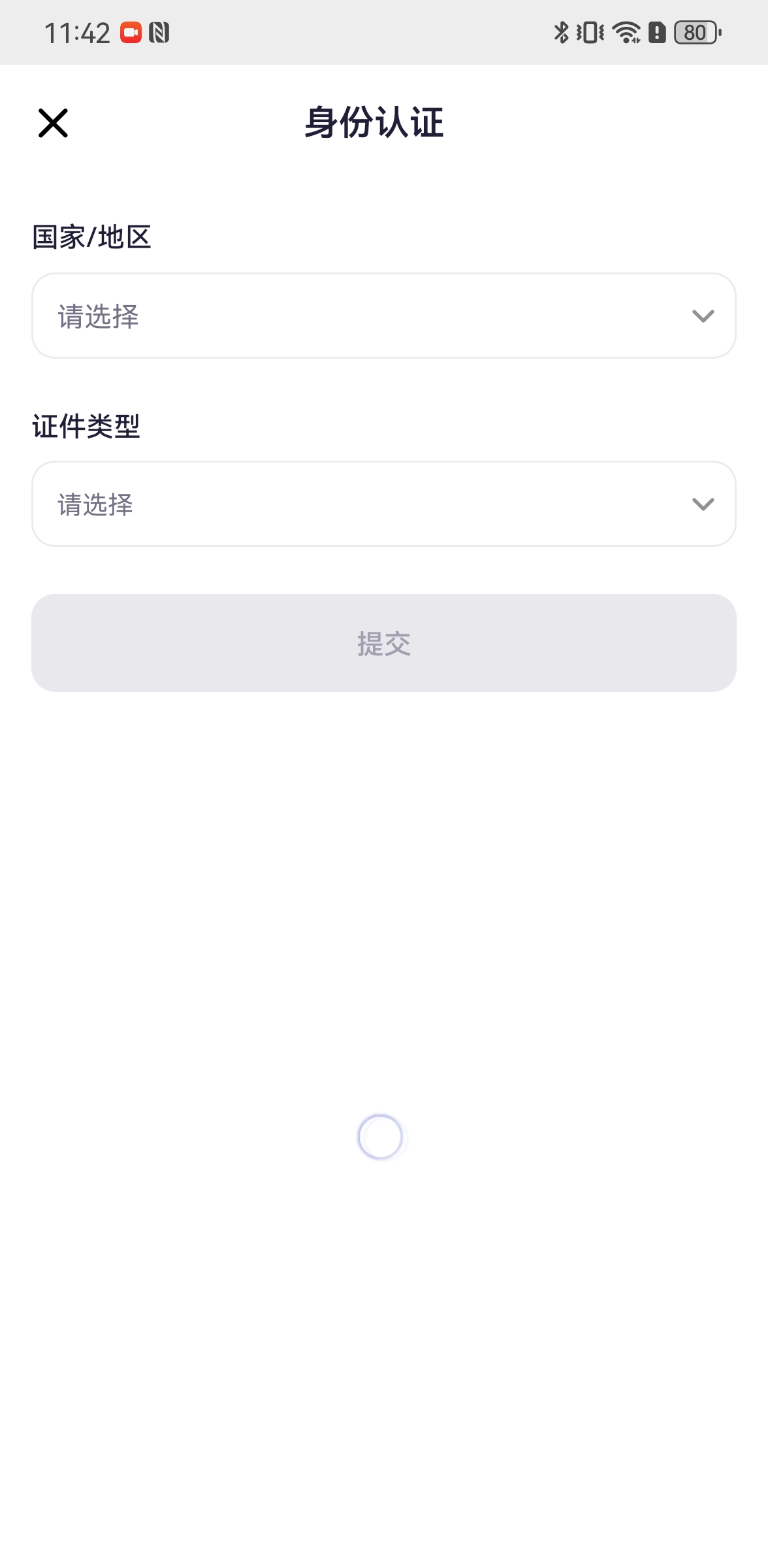
Select your country/region and ID type, upload your ID photo as prompted. The page will automatically fill in the ID information. Please verify if the information is correct. If there are errors, manually correct them before submitting for review.
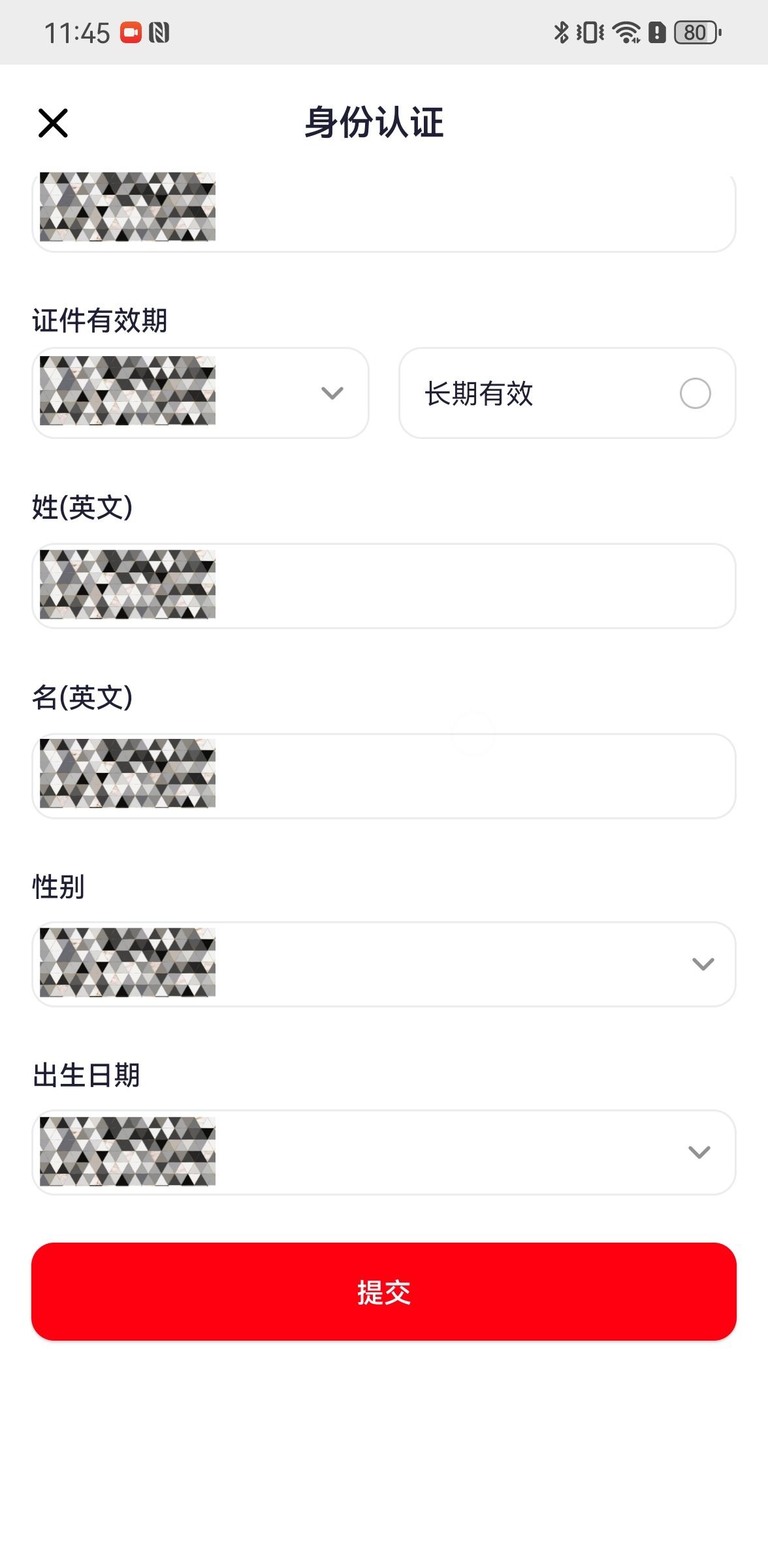
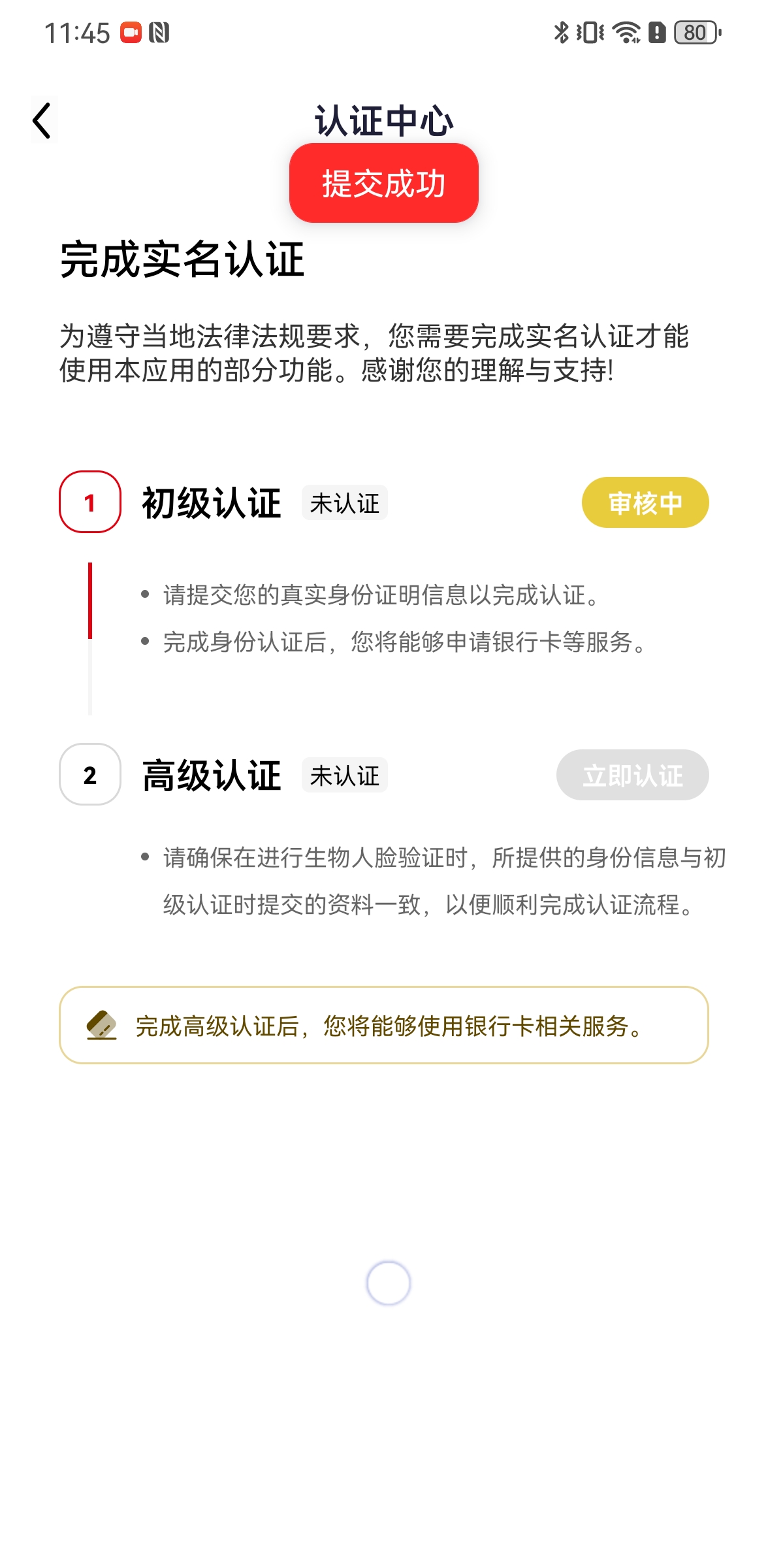
Note: Once completed, the account's verification information cannot be changed or revoked.
How to Complete Advanced Verification?
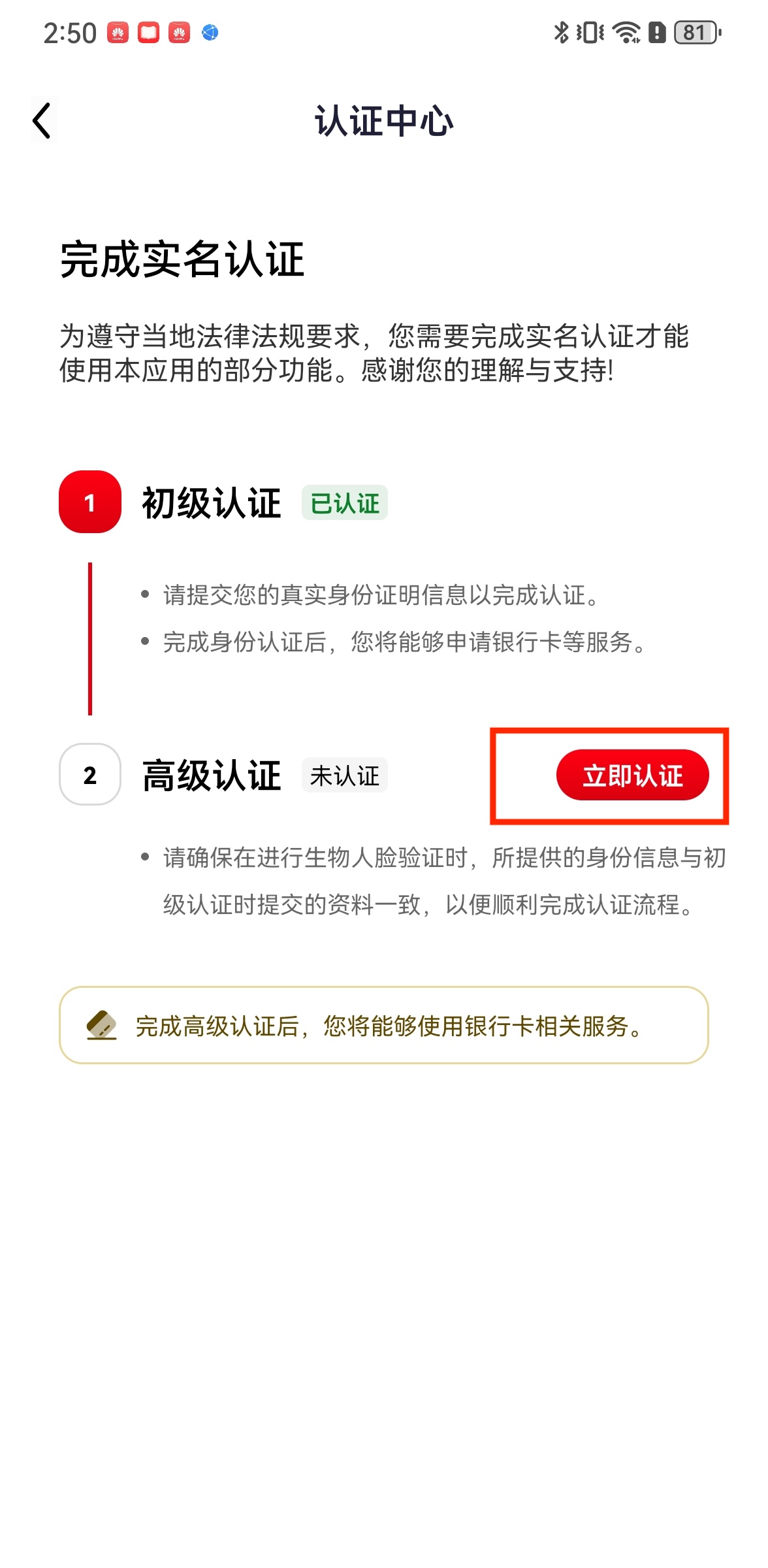
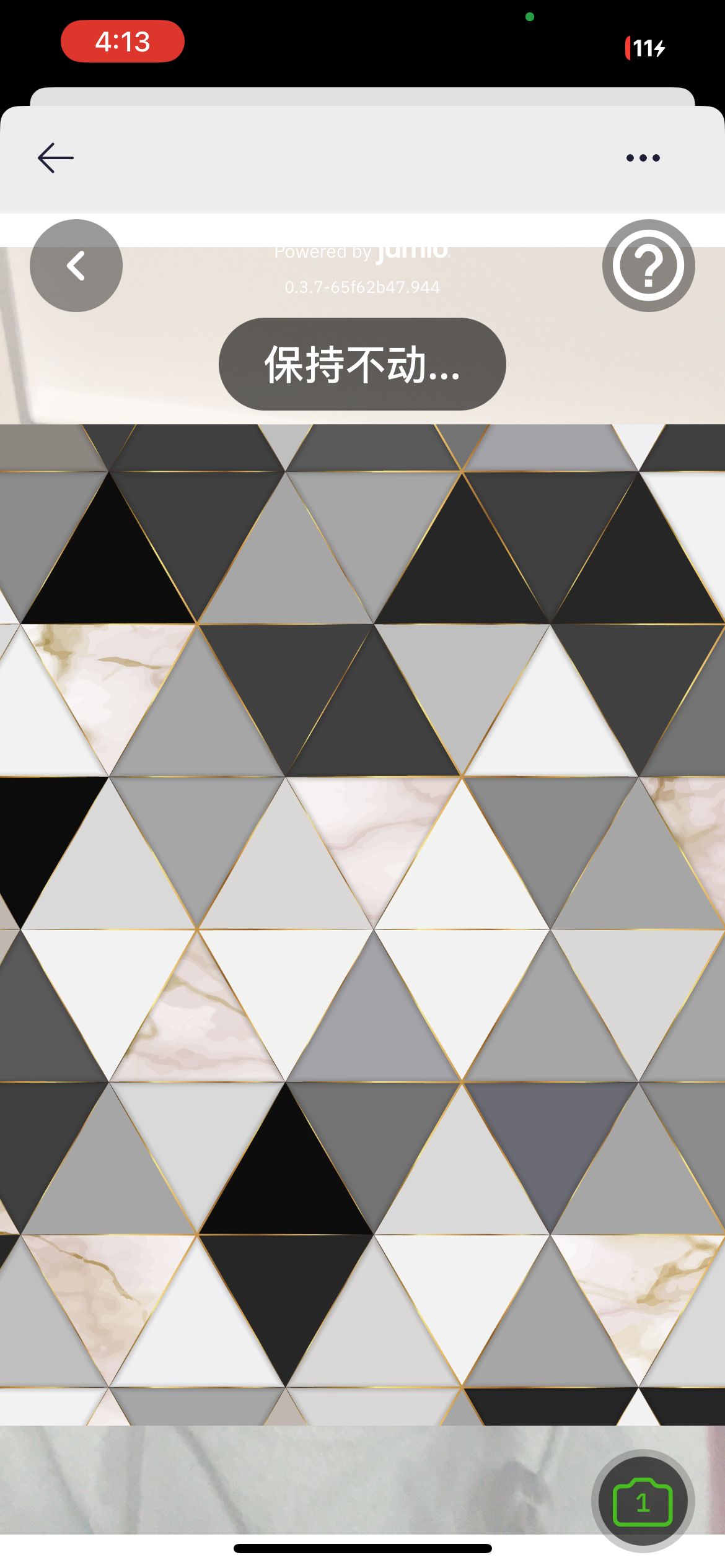
Advanced verification can only be performed after basic verification is completed. Tap the profile icon in the top left corner - 【Identity Verification】, tap 【Verify Now】 for advanced verification, complete facial recognition as prompted until it shows success, then close the page.

Exception Handling
1- What should I do if verification fails? We recommend trying to re-enter information and complete facial recognition again. If you encounter any difficulties or cannot resolve the issue, you can contact our customer service for assistance.
2- How long does KYC verification take? Basic verification usually completes within 48 hours after submission. You can check the review results in the APP. If it takes longer than expected, you can contact our customer service for assistance. Advanced verification usually completes within half an hour after facial recognition.
3- Why can't I complete verification? This may be due to network connection issues, device problems, or other technical issues. If you cannot resolve it yourself, please contact customer service for assistance.