How to Activate a VIP Account
If you do not have an account yet
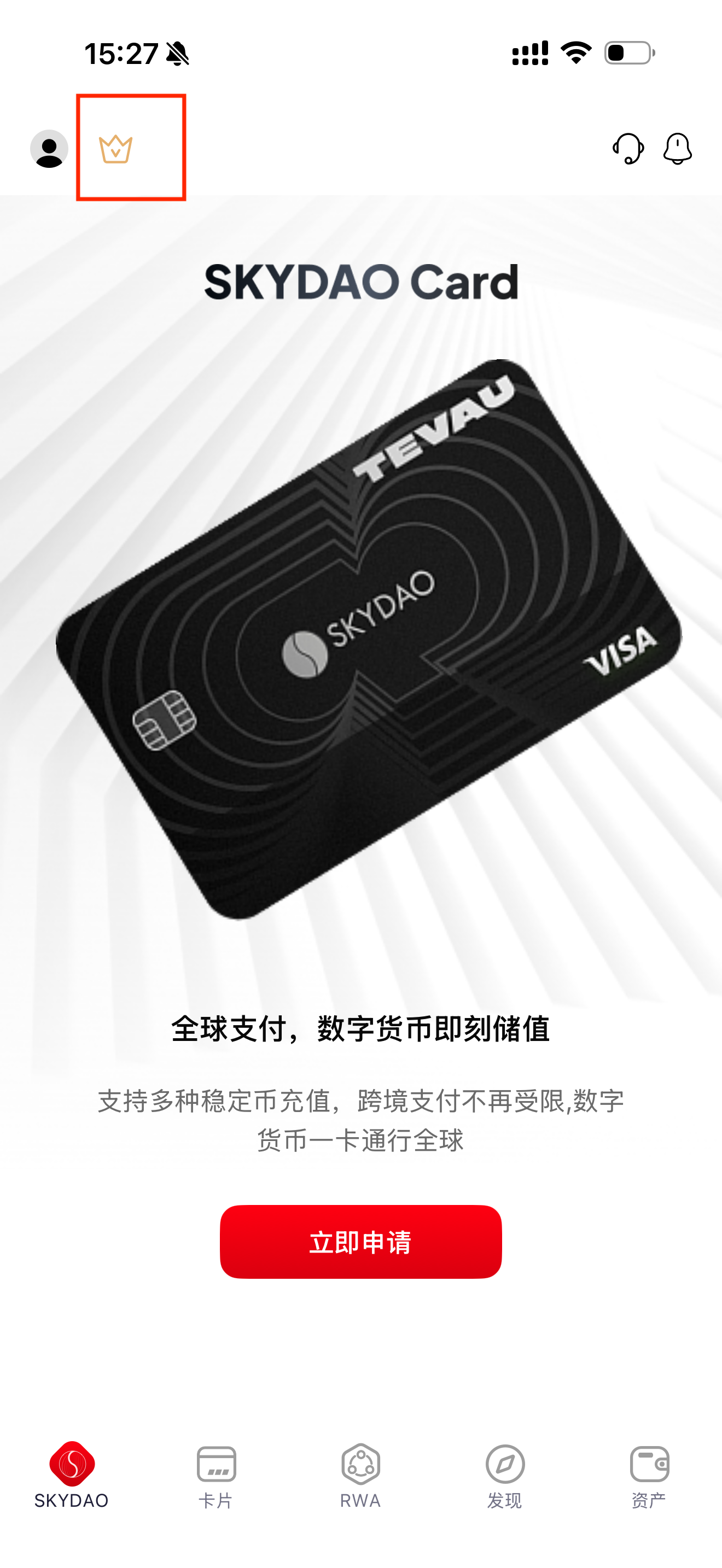
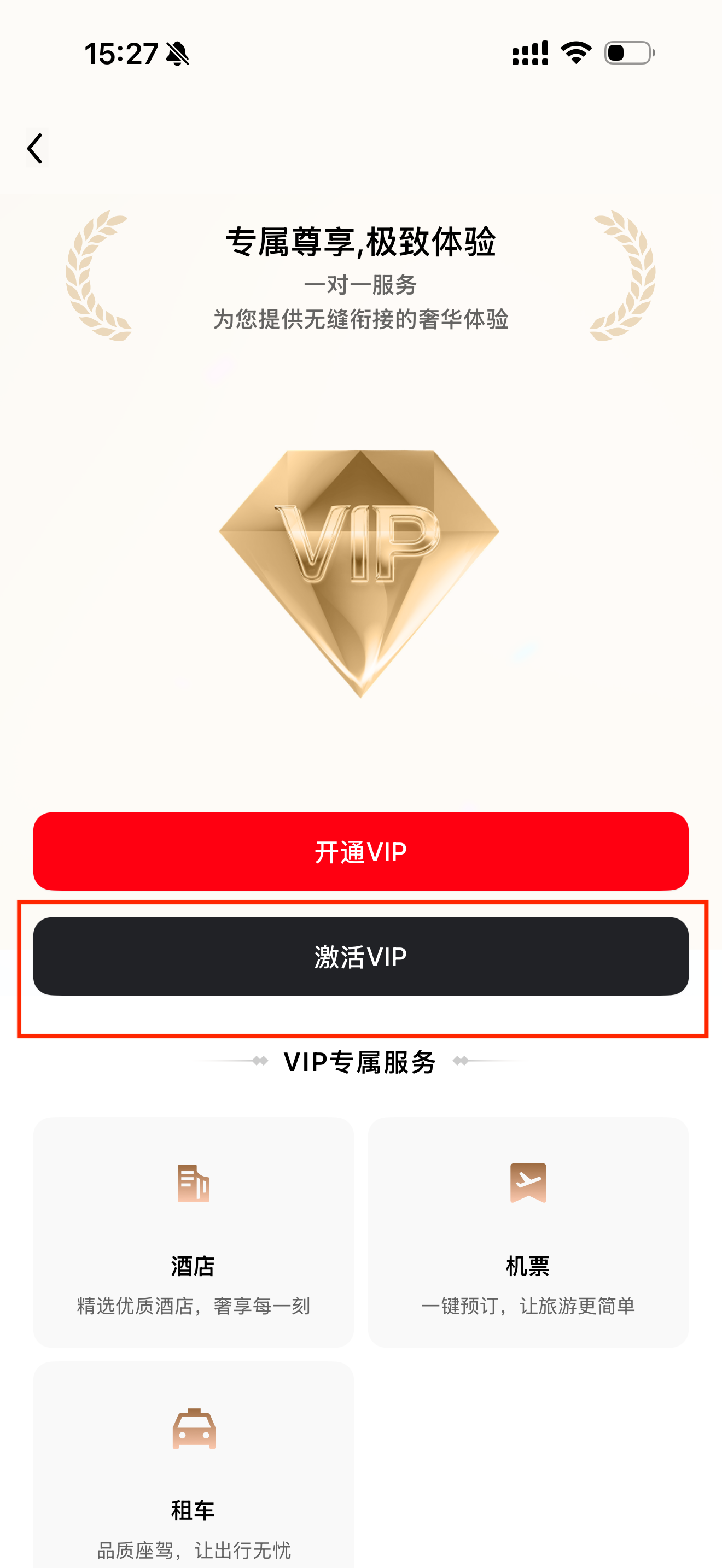
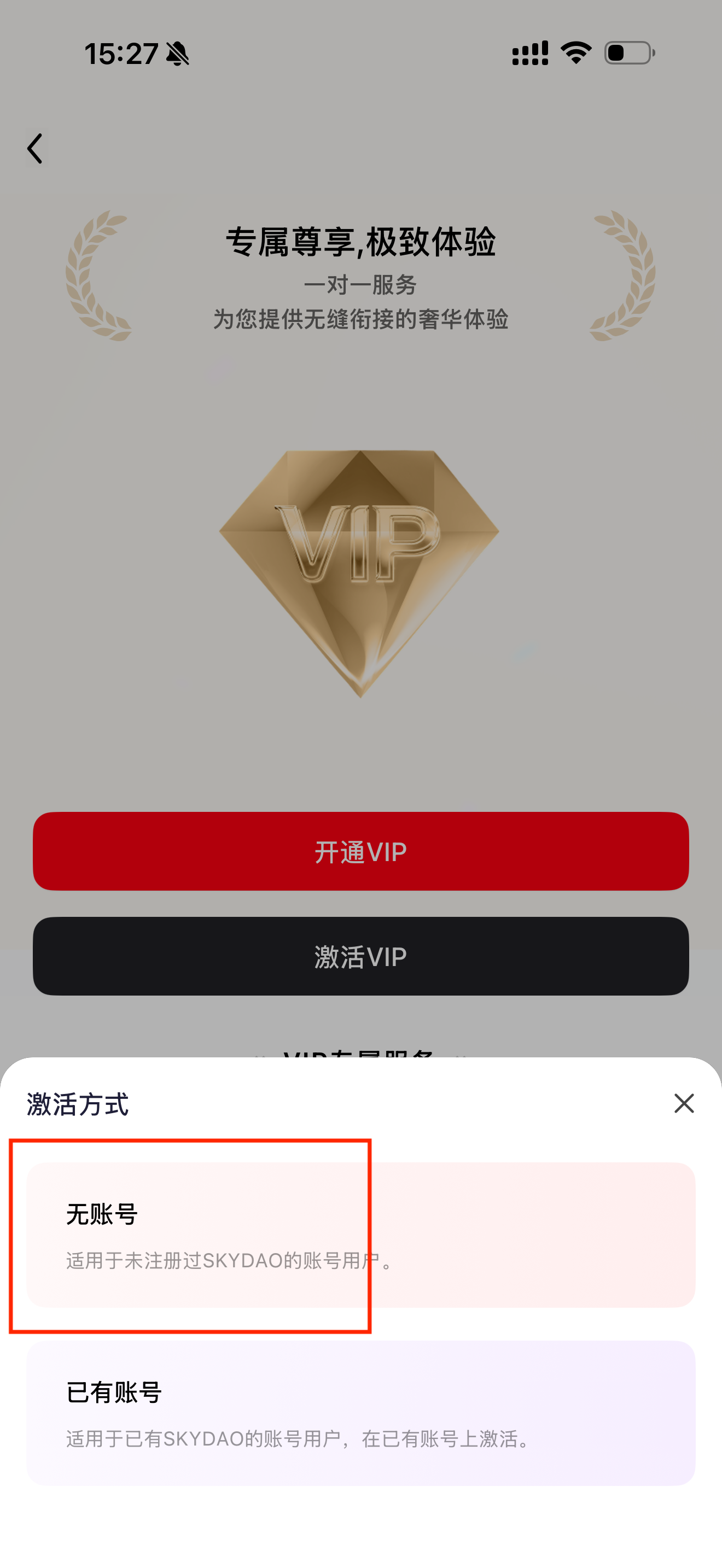
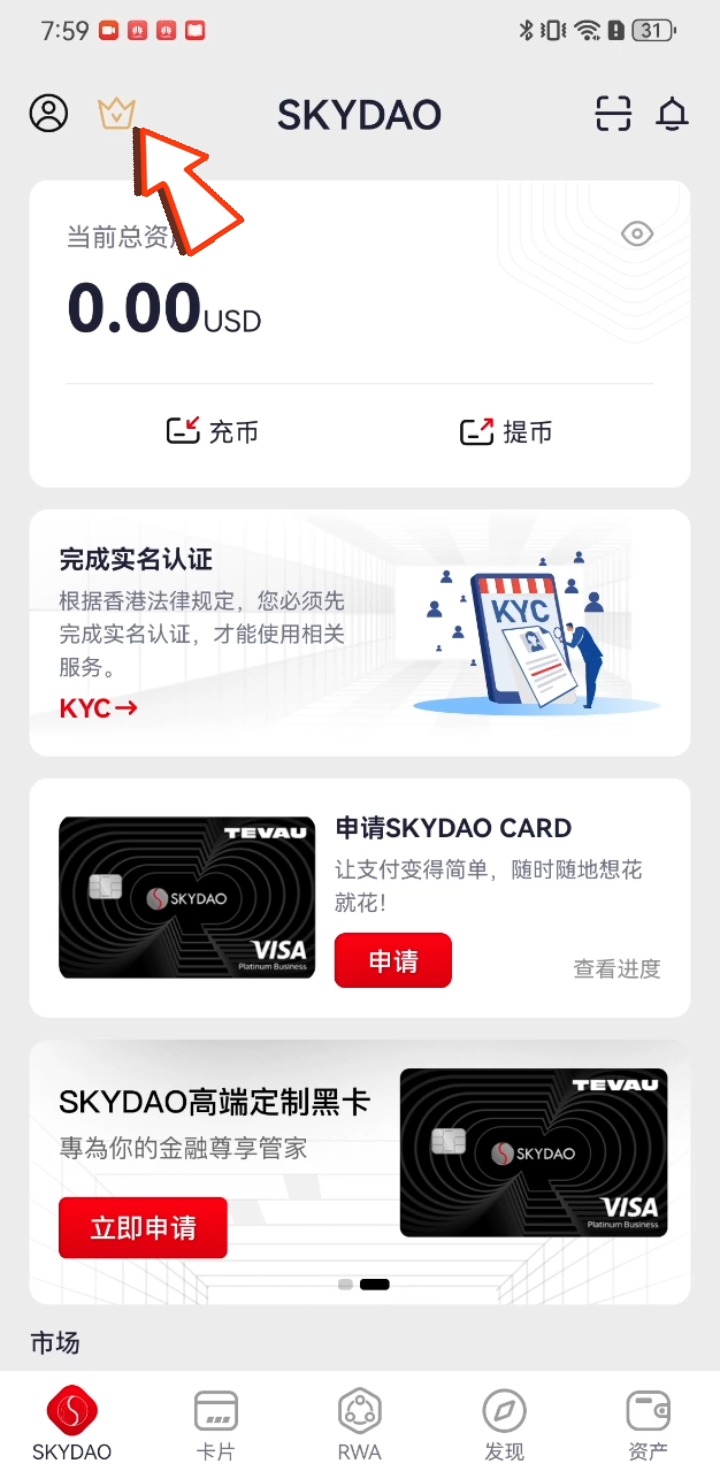
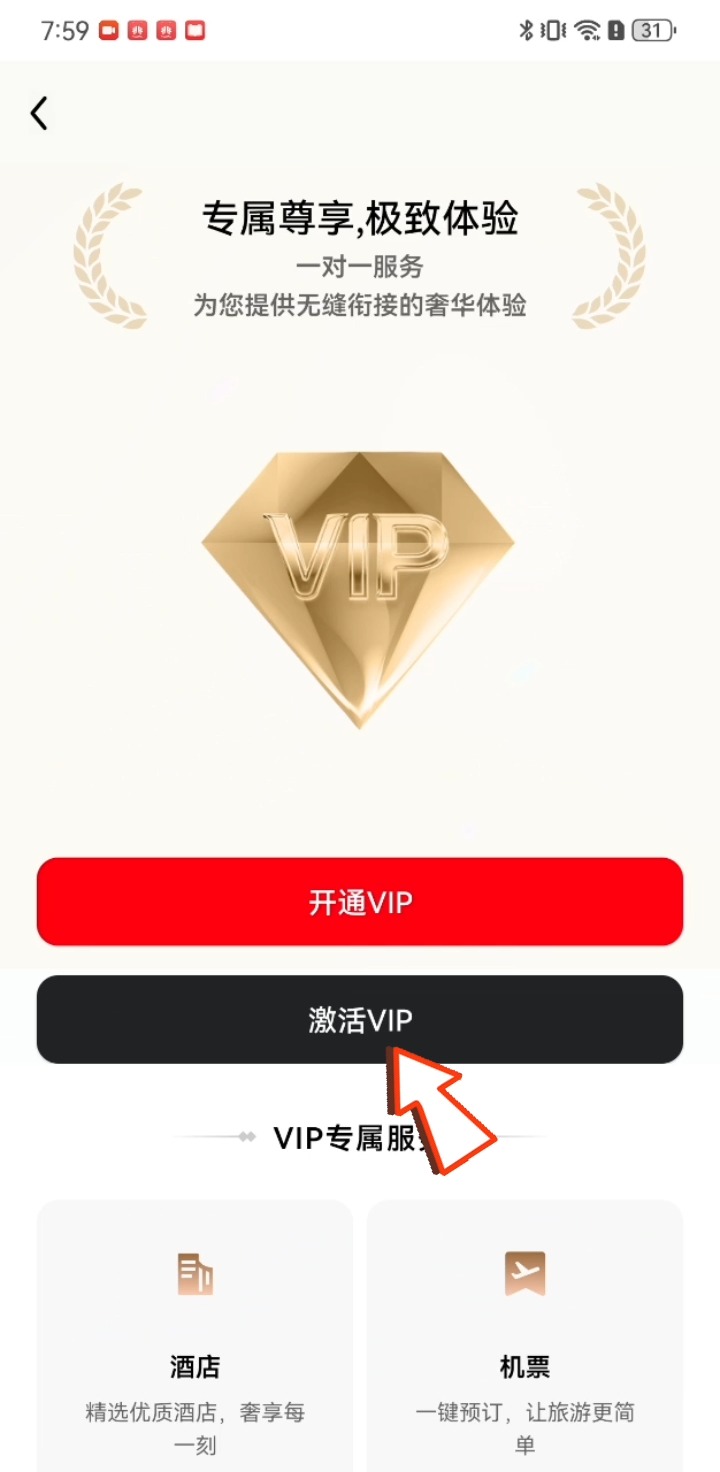
On the homepage, click the [VIP icon], click [Activate VIP], and select [No account].
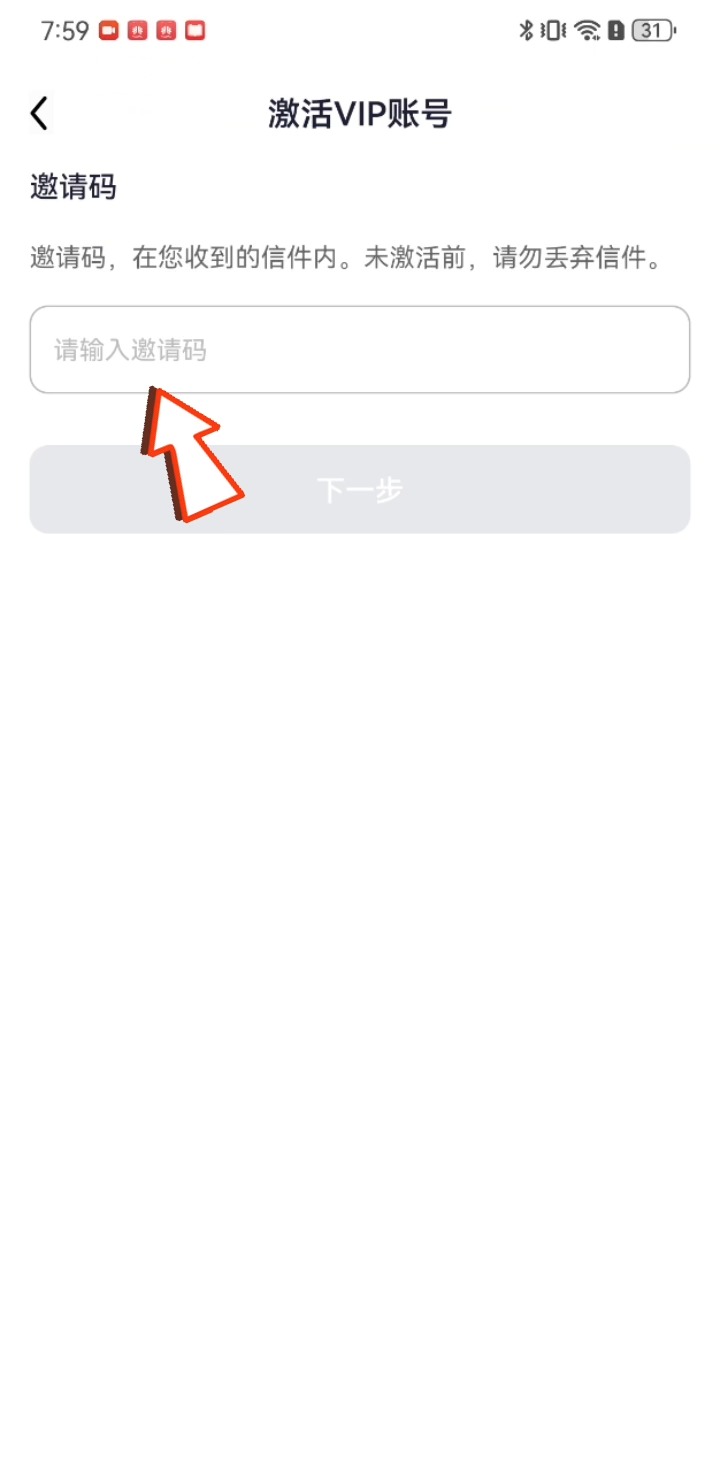
Enter the invitation code from the card envelope you received, click Next, fill in your email, send and enter the verification code you receive, and you will complete the activation of your VIP account.



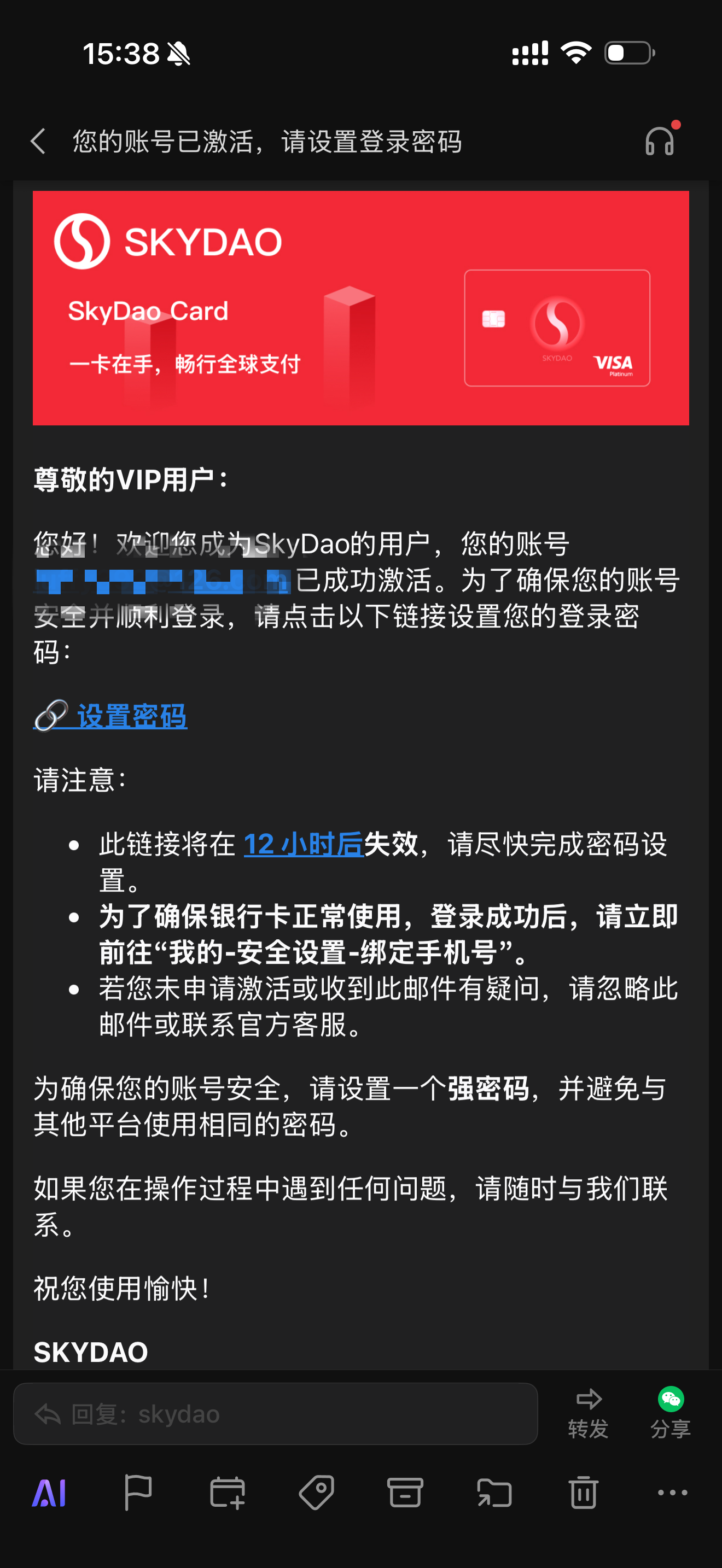
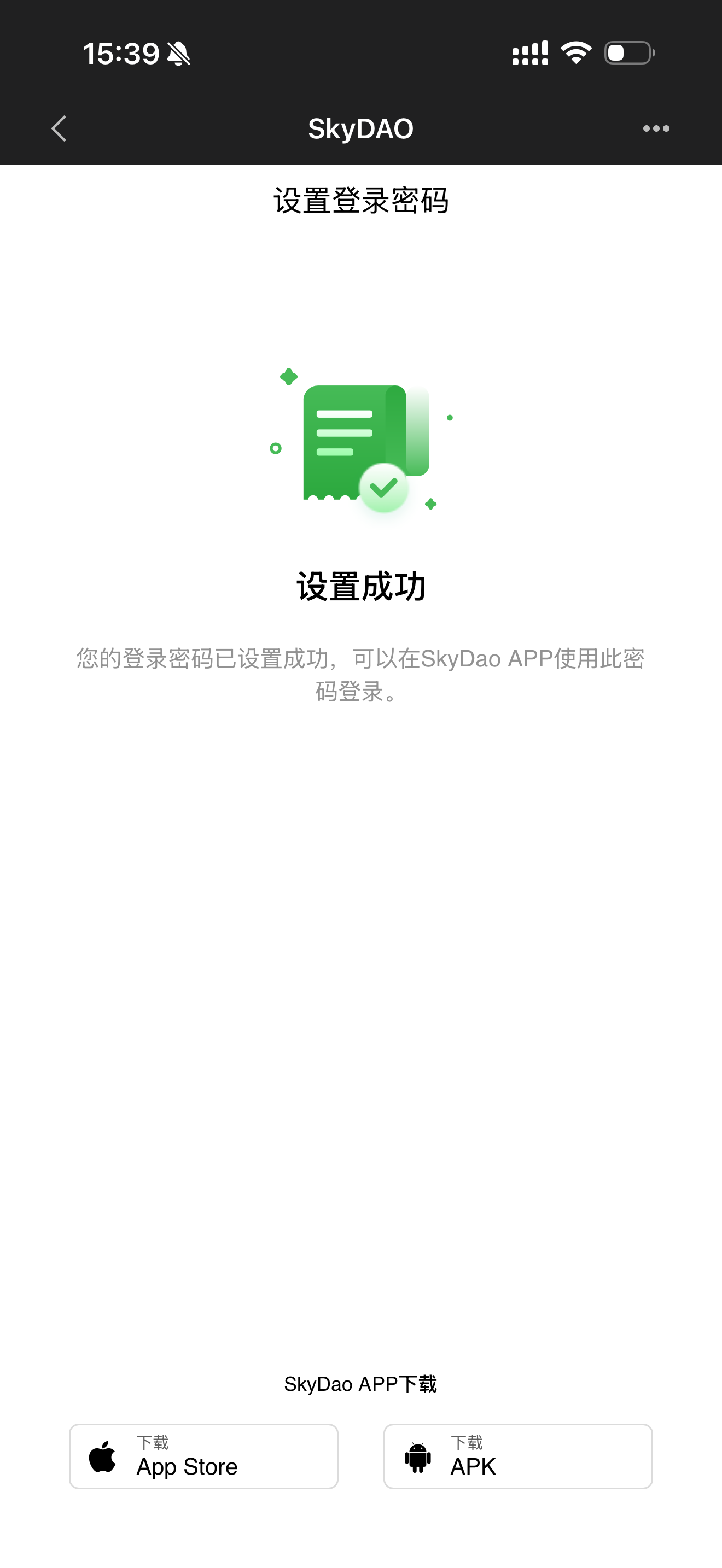
After activation is successful, you will receive an email confirming the activation. Click Set Password to complete the activation and registration of your account.

If you already have an account
First log in to your account, click the [VIP icon] on the homepage, click [Activate VIP], and select [Existing account].
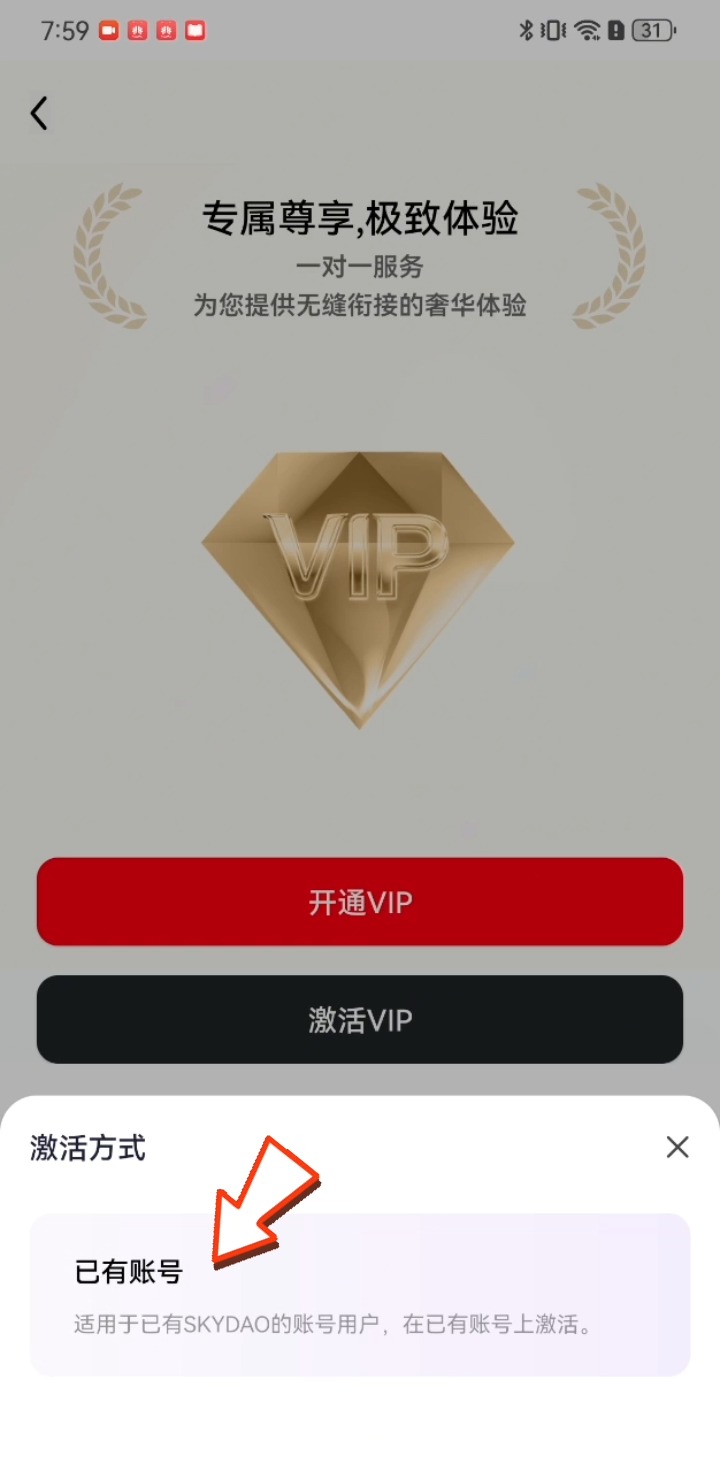
Enter the invitation code from the card envelope you received, click Next, send and enter the verification code you receive, and you will complete the activation of your VIP account.