How to Bind/Change Phone Number
Bind Phone Number
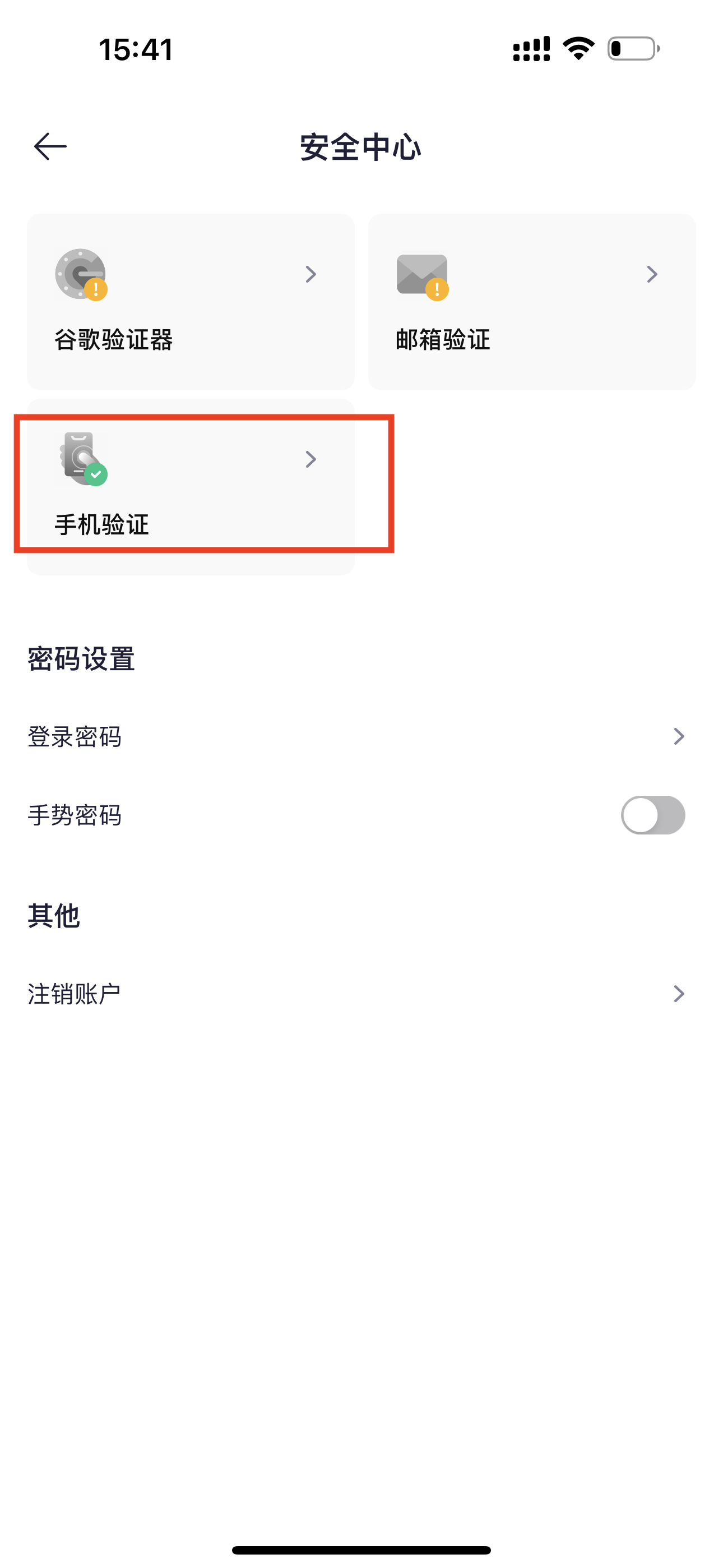
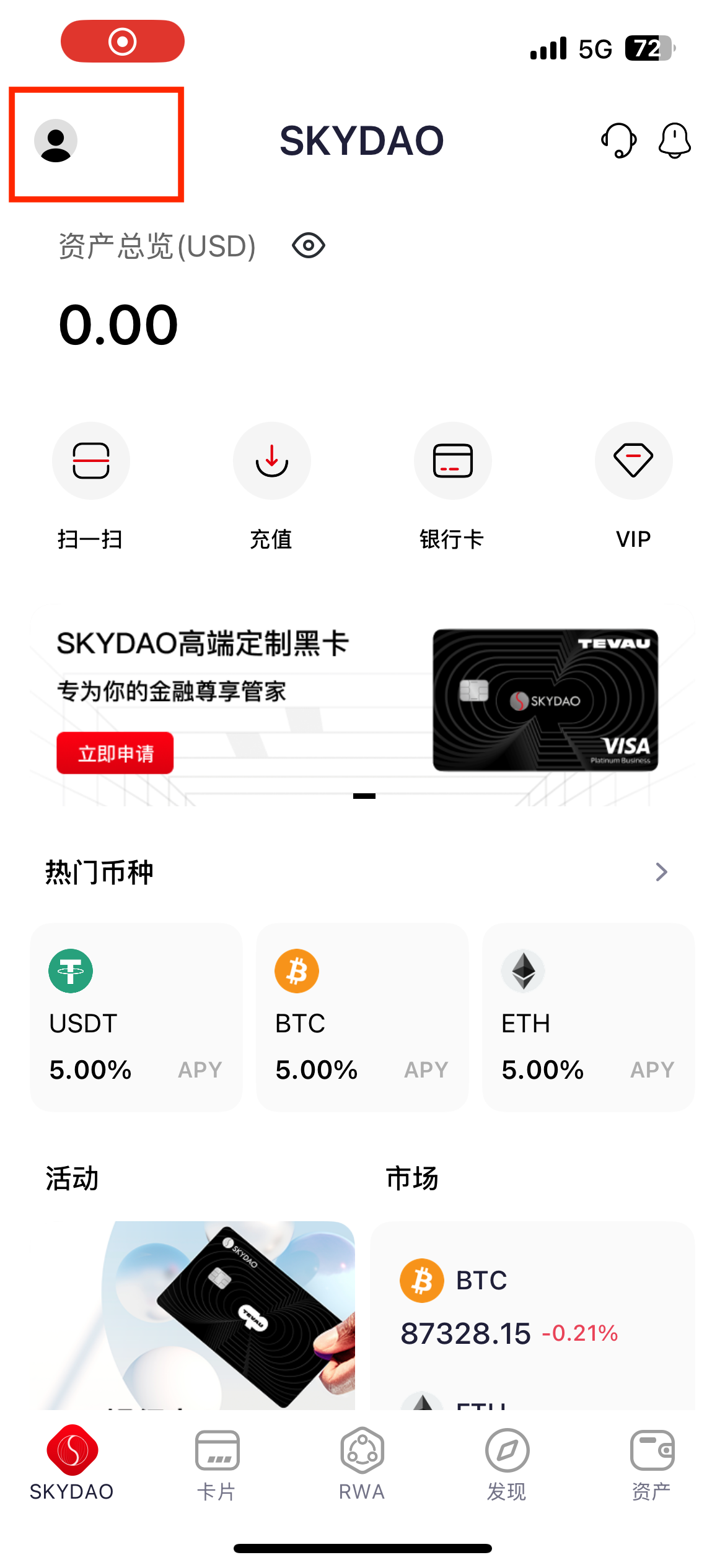
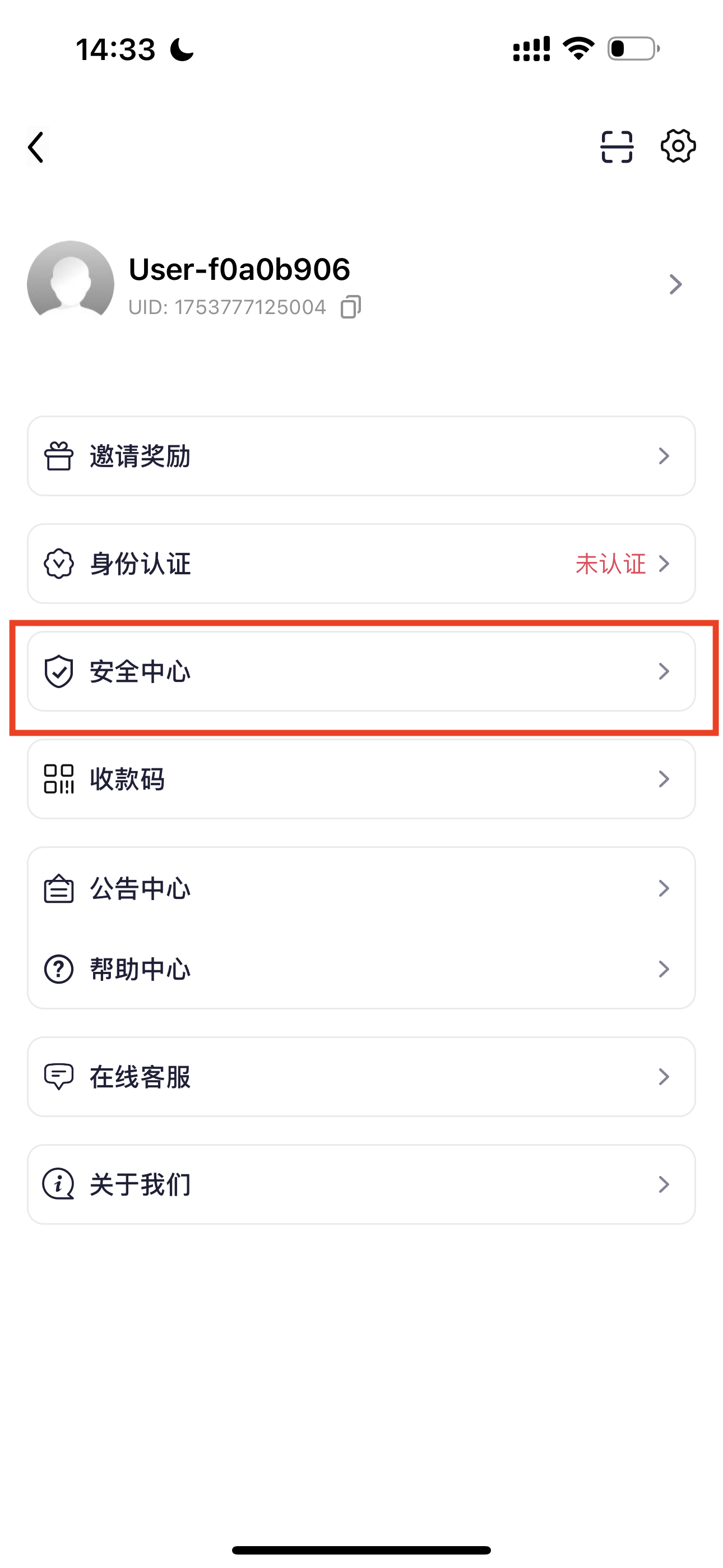
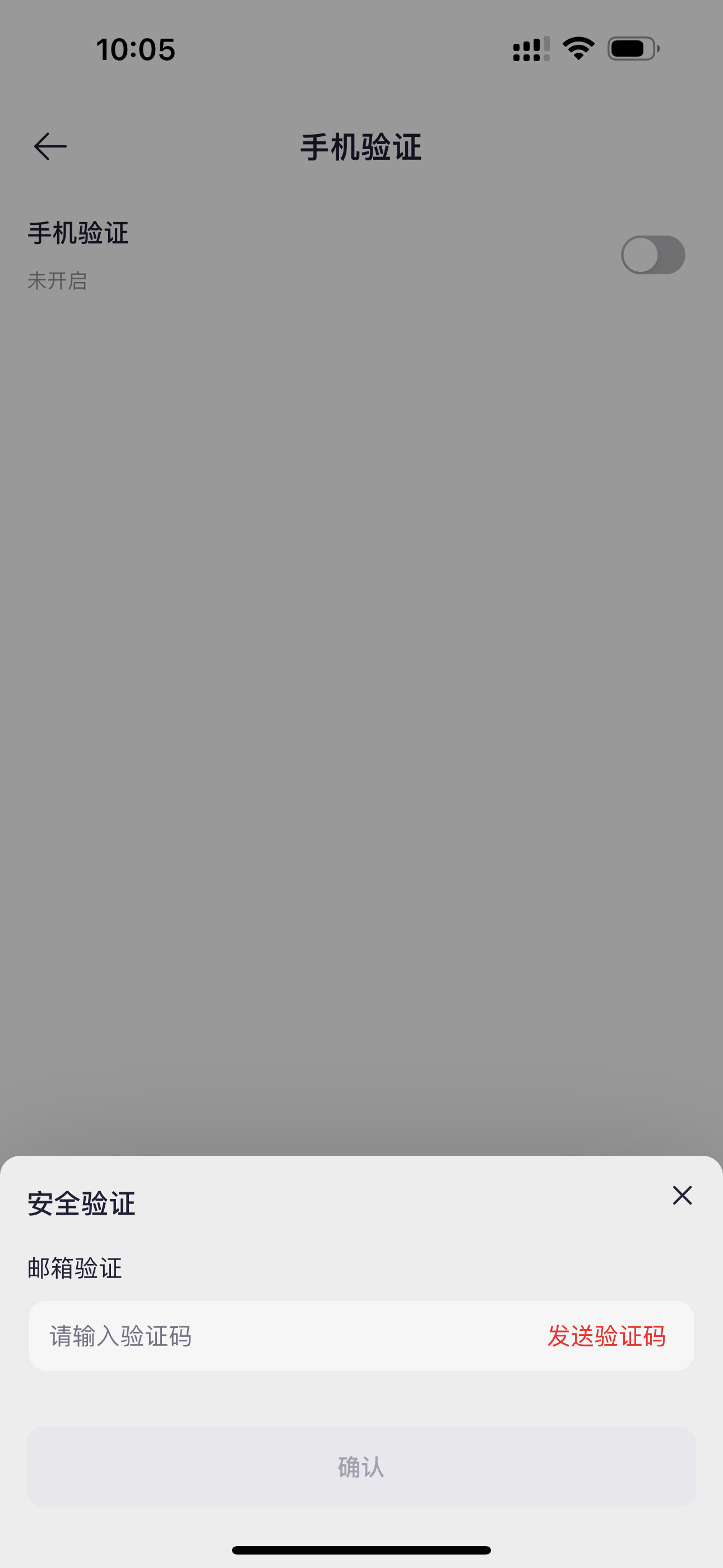
If your account is registered with an email, you can bind a commonly used phone number for logging in, password recovery, withdrawal confirmation, etc. Tap the profile icon in the top right of the APP to enter the personal center, tap 【Security Center】 - 【Phone Verification】.
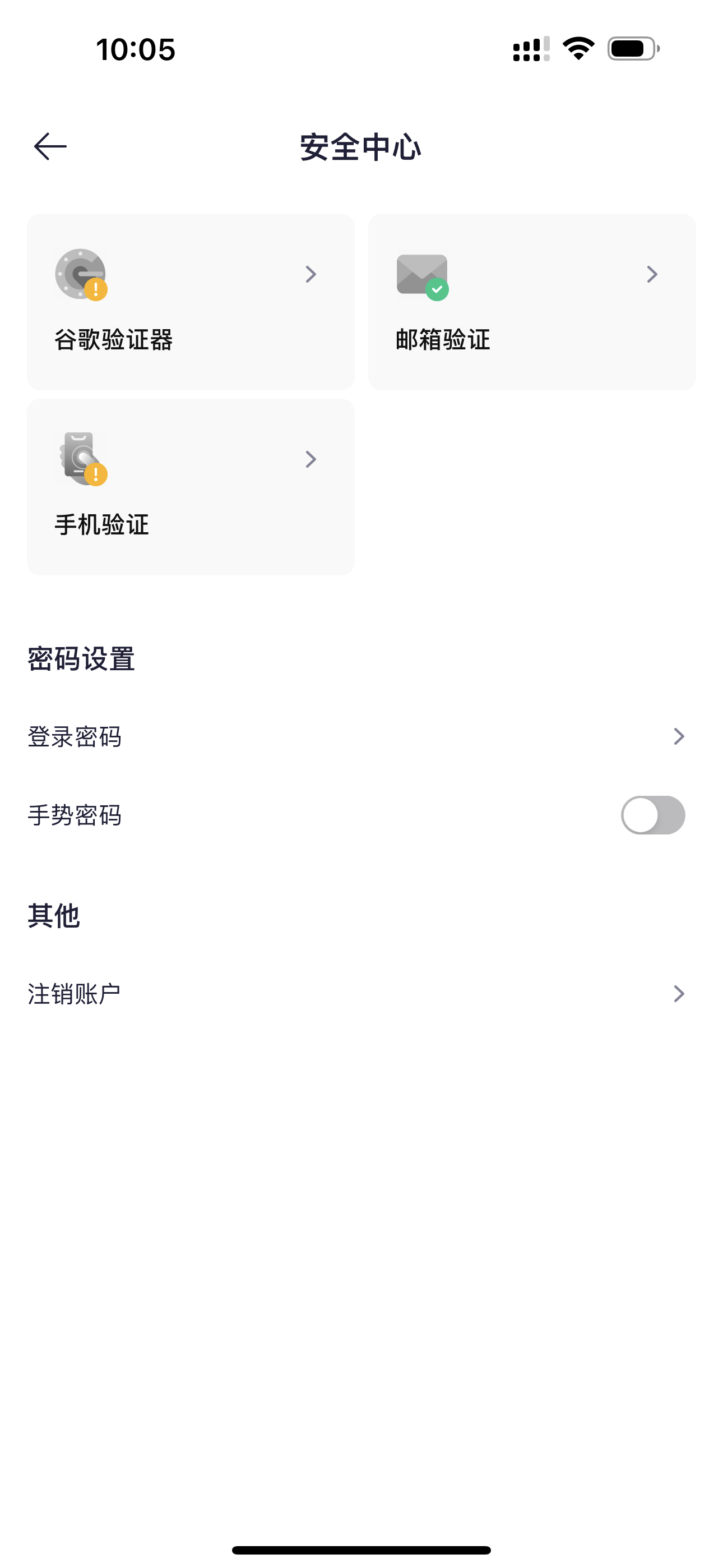
Tap the switch, send email verification code and verify, enter the phone number to bind and send verification code. Once verified, binding is successful.


Change Phone Number
Tap 【Security Center】 - 【Phone Verification】, tap Modify, enter the new phone number, verify both the new phone and original phone verification codes to confirm the change.