
How to Bind Google Authenticator
Two-factor authentication (Authenticator) plays a crucial role in protecting your SKYDAO account and assets. Even if criminals steal your password, they will still need to pass the Authenticator verification before they can operate your account.
1. Download "Google Authenticator App"
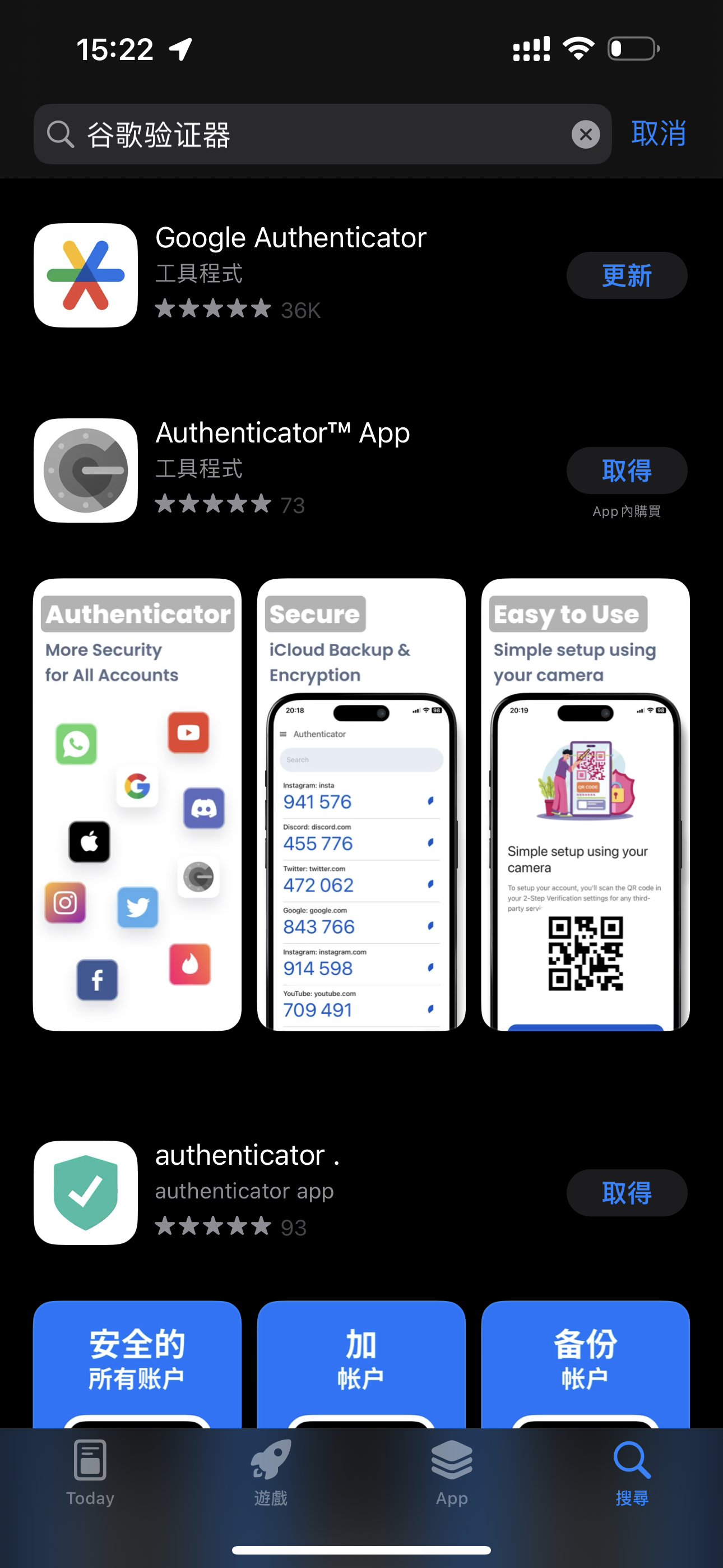
First, search for "Google Authenticator" in your device's app store and download it.
2. Bind Google Authenticator
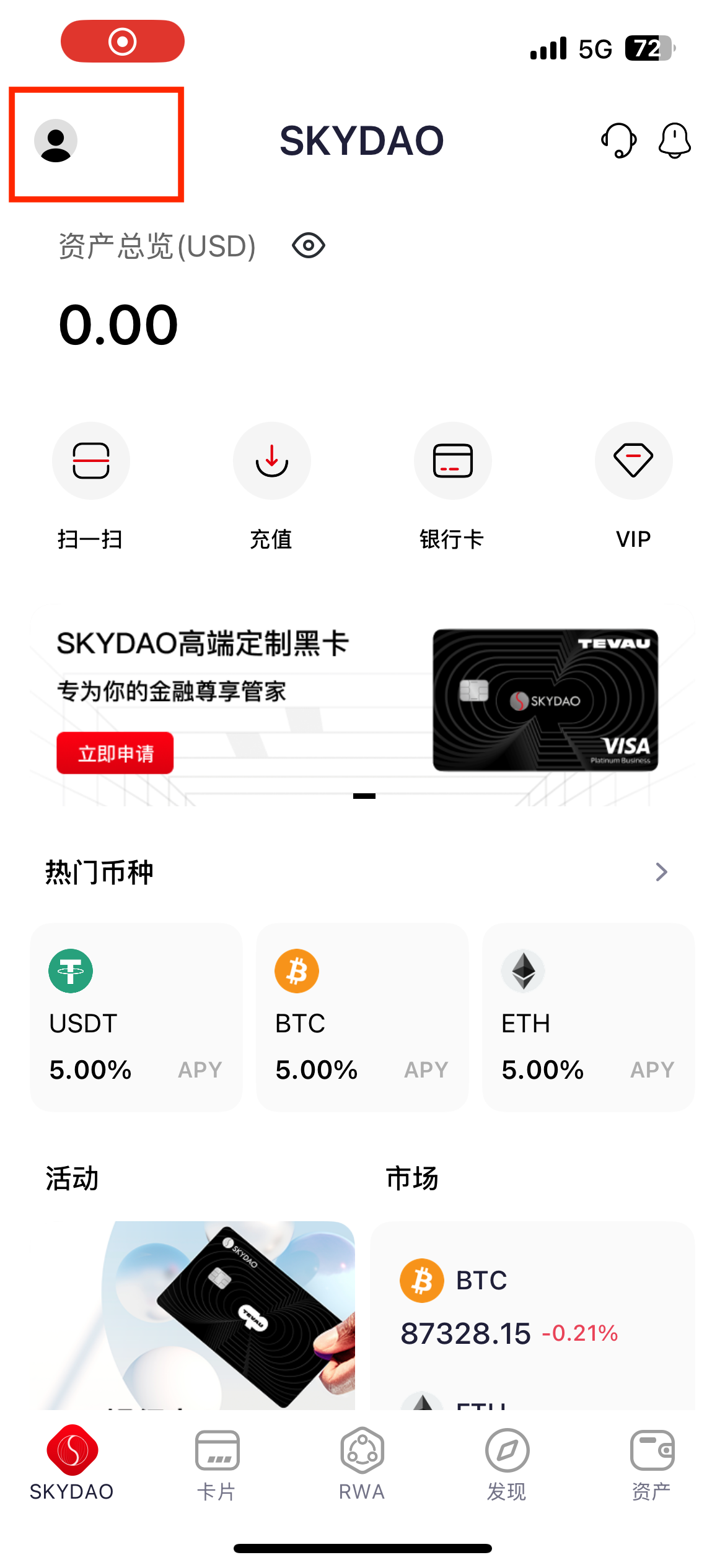
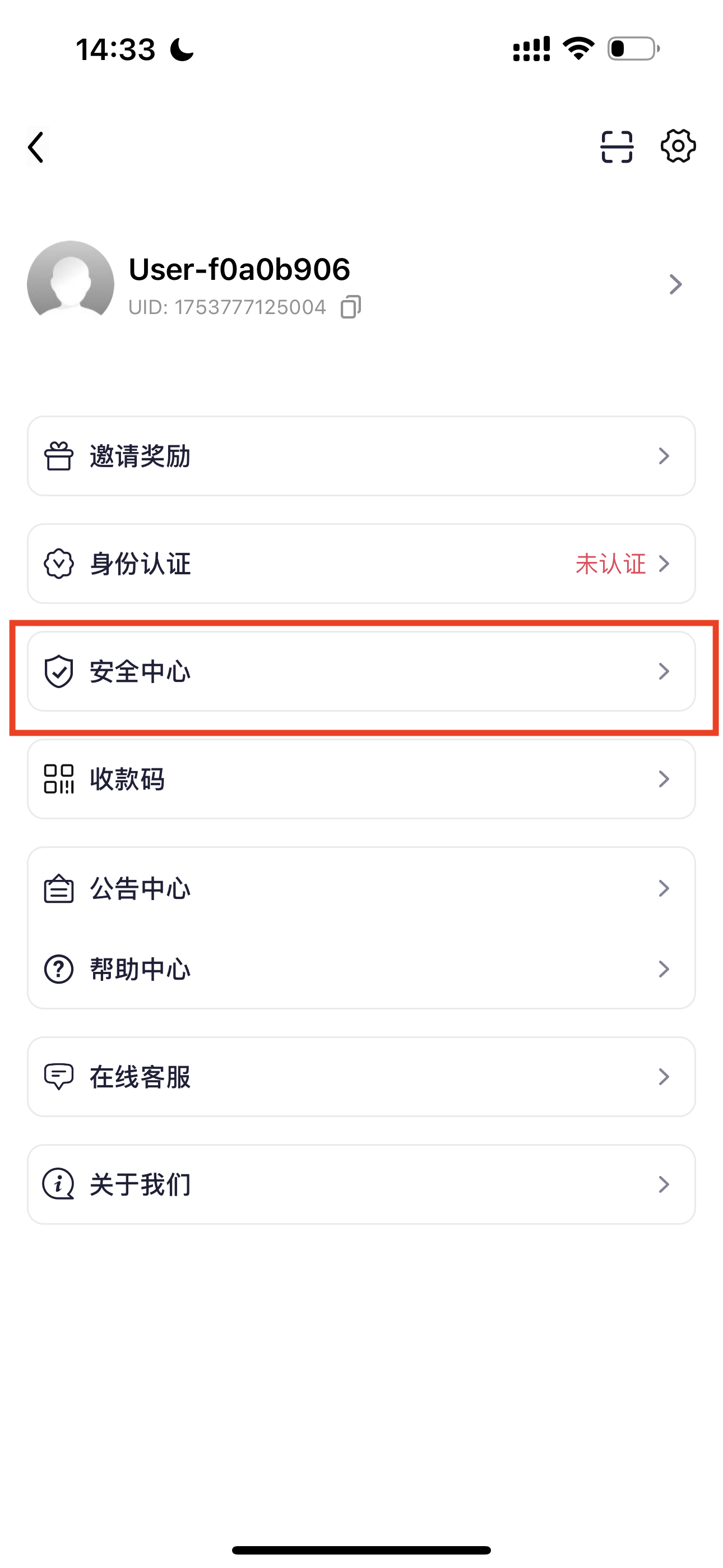
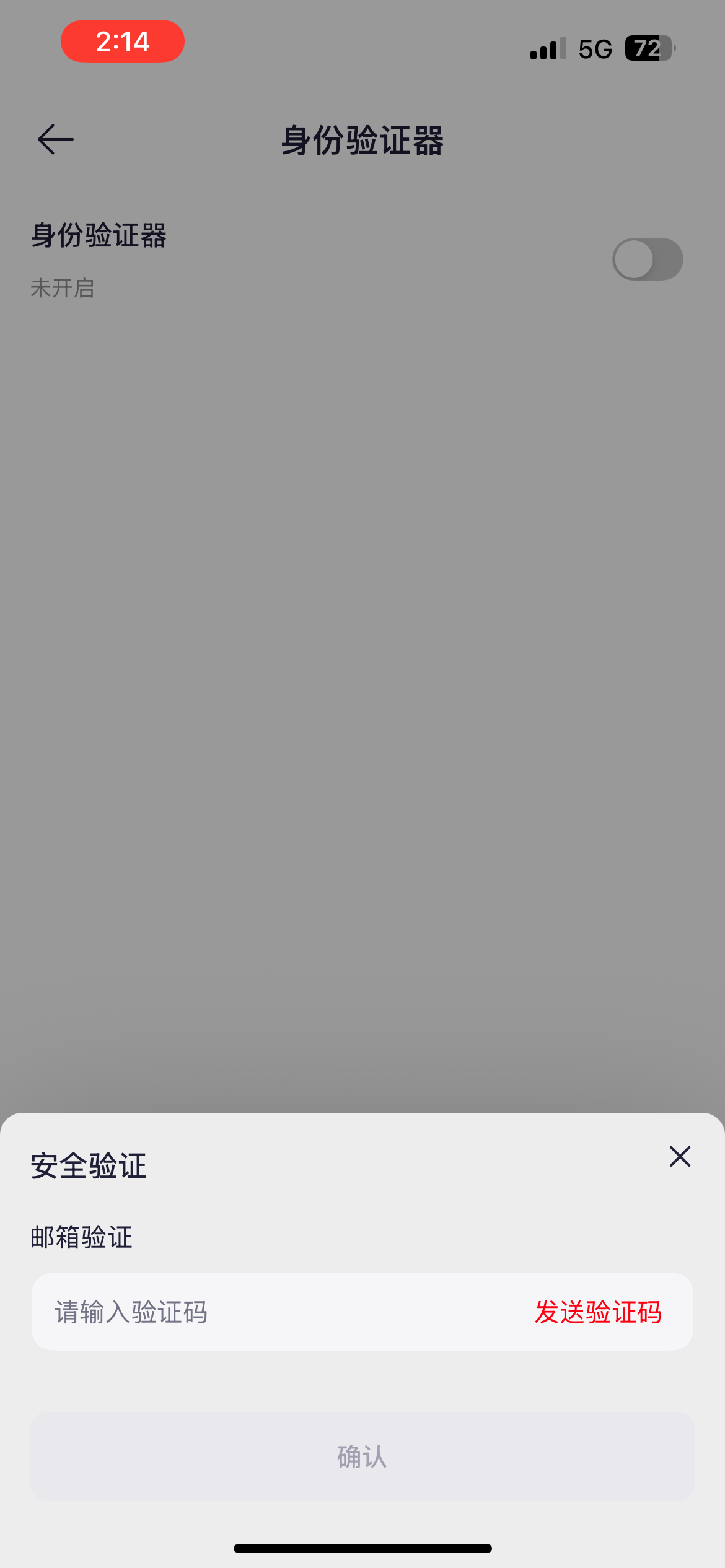
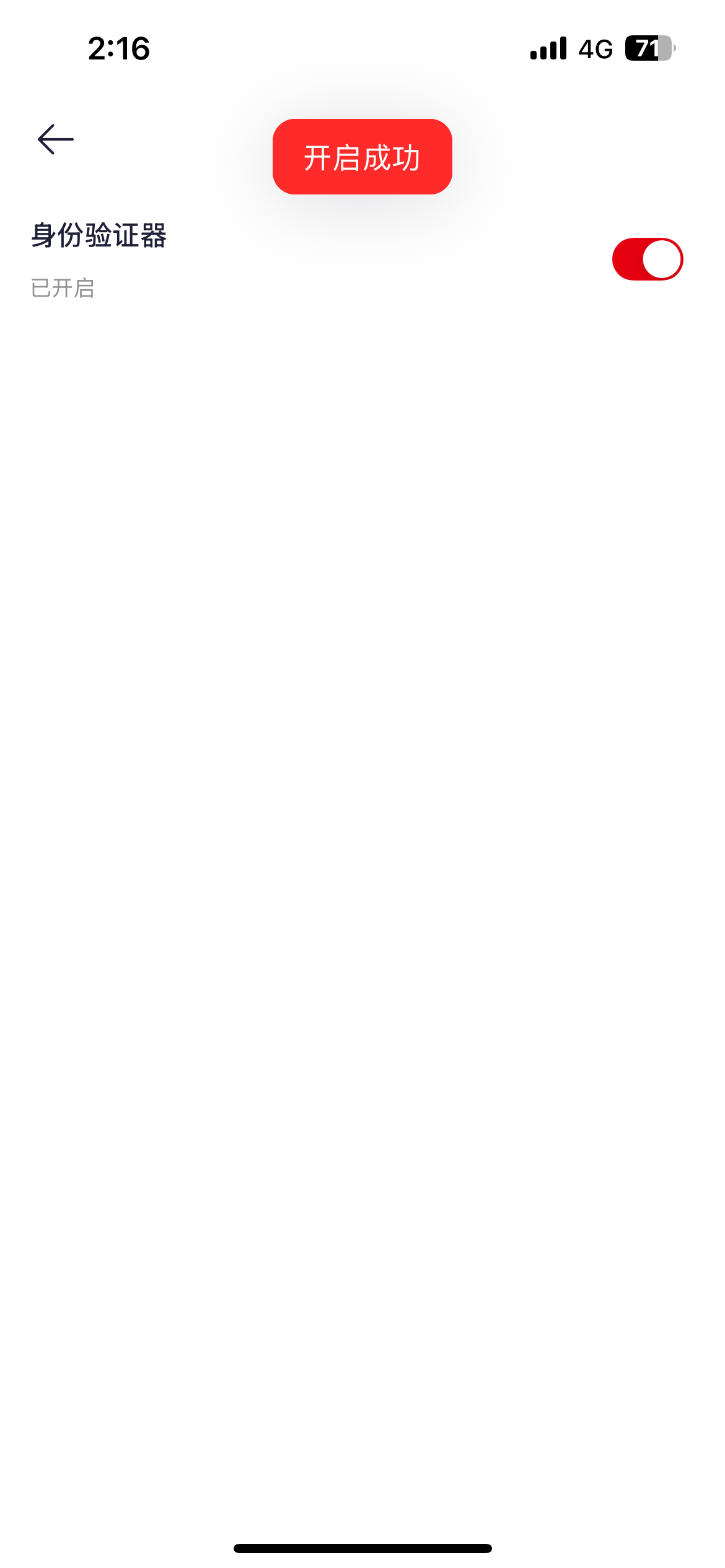
Tap the profile icon in the top right of SKYDAO APP - 【Security Center】 - 【Google Authenticator】, tap the switch on the right.
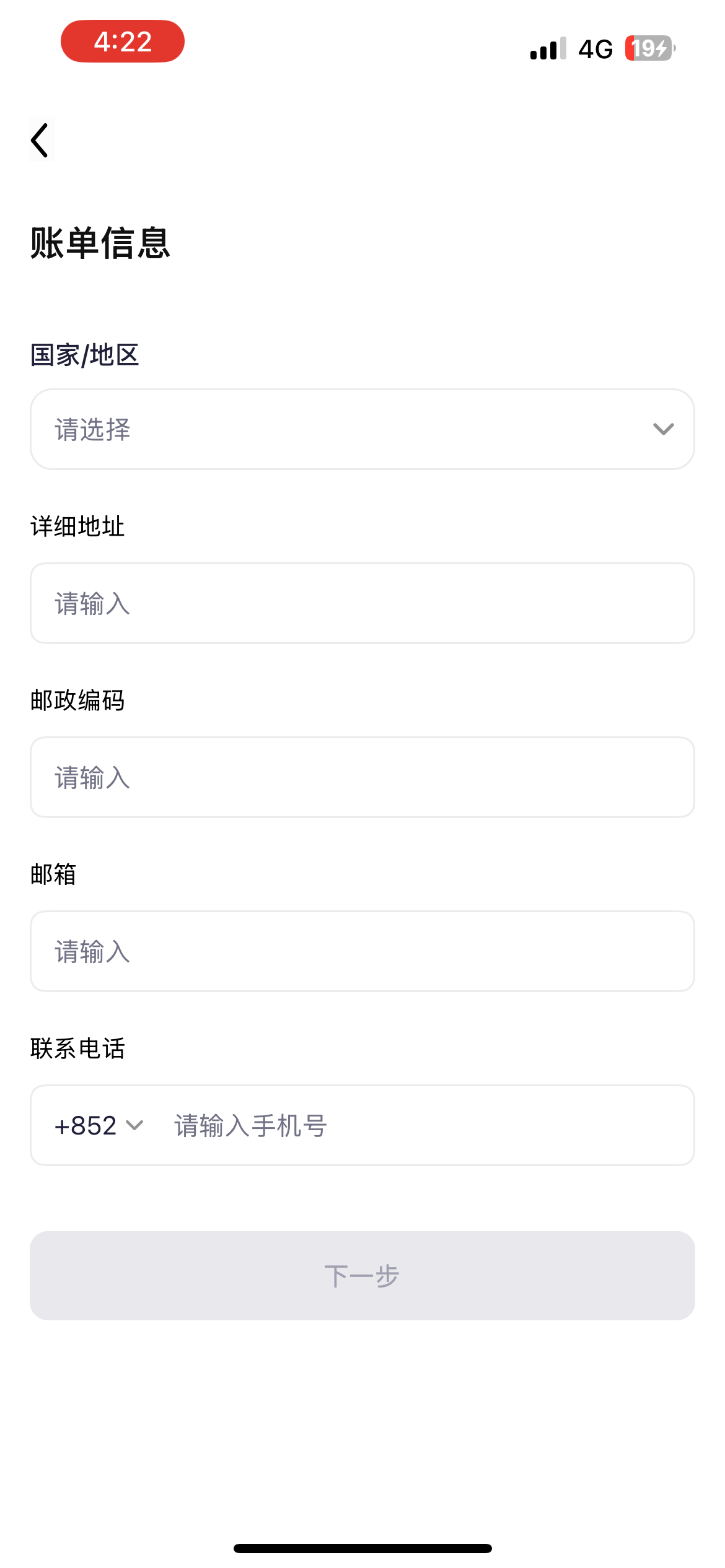
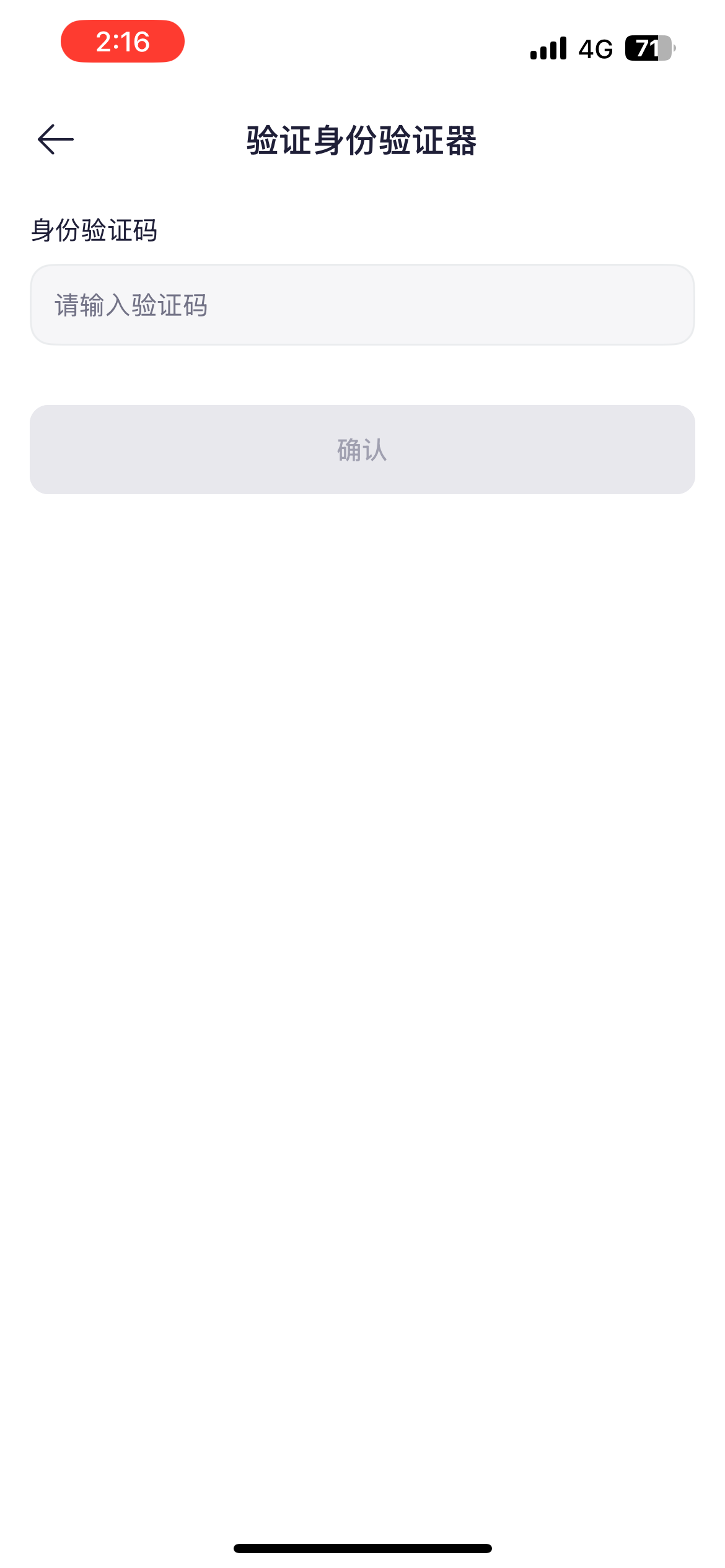
Tap "Send Verification Code" and verify the code. Open the 【Google Authenticator】 you just downloaded, scan the QR code in the second image below, or copy and paste the code displayed on the page to complete the addition. Enter the 6-digit verification code from your bound authenticator. Once verified successfully, binding is complete.
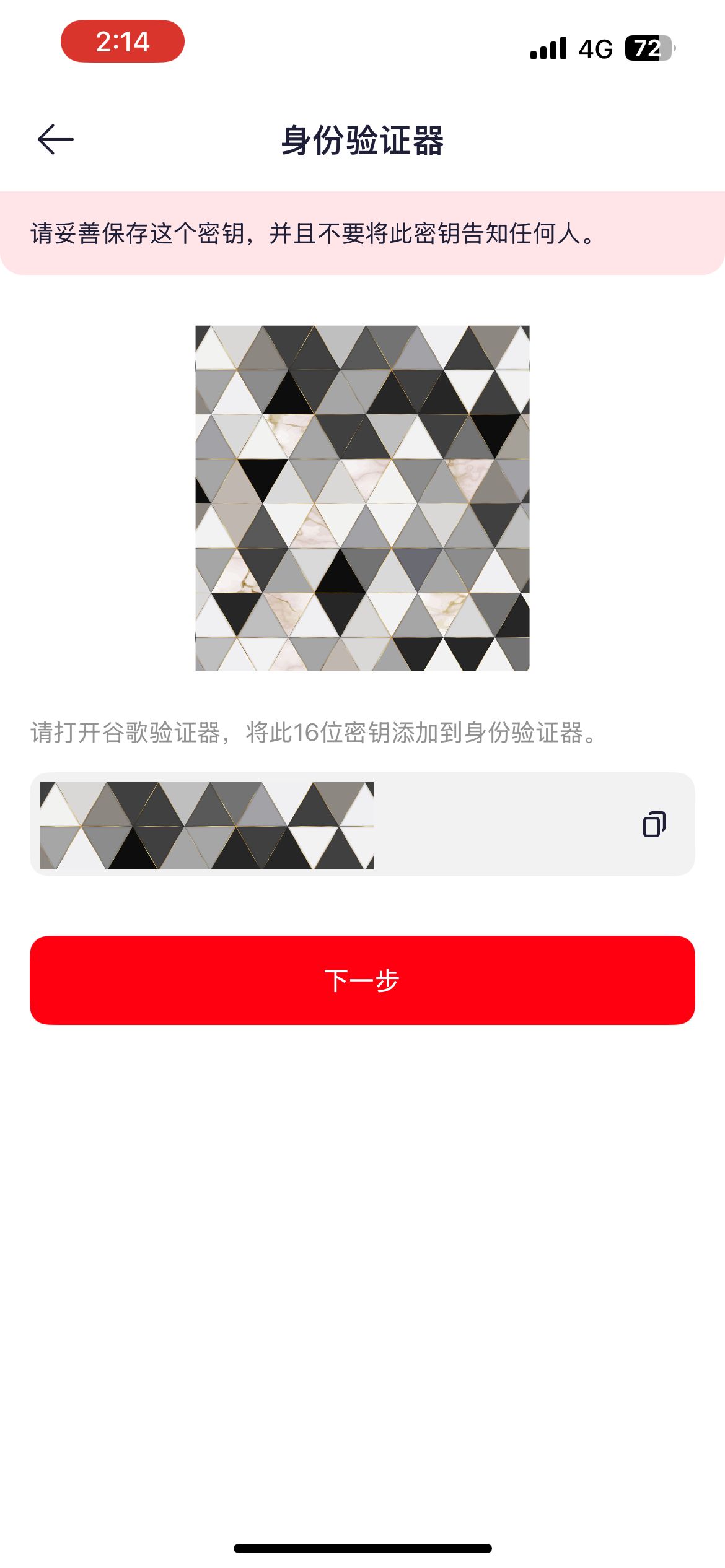
Important: Please keep your Authenticator key safe. If you change or lose your phone, you may not be able to log in. To protect your funds, withdrawals cannot be made within 24 hours after resetting Google Authenticator.